
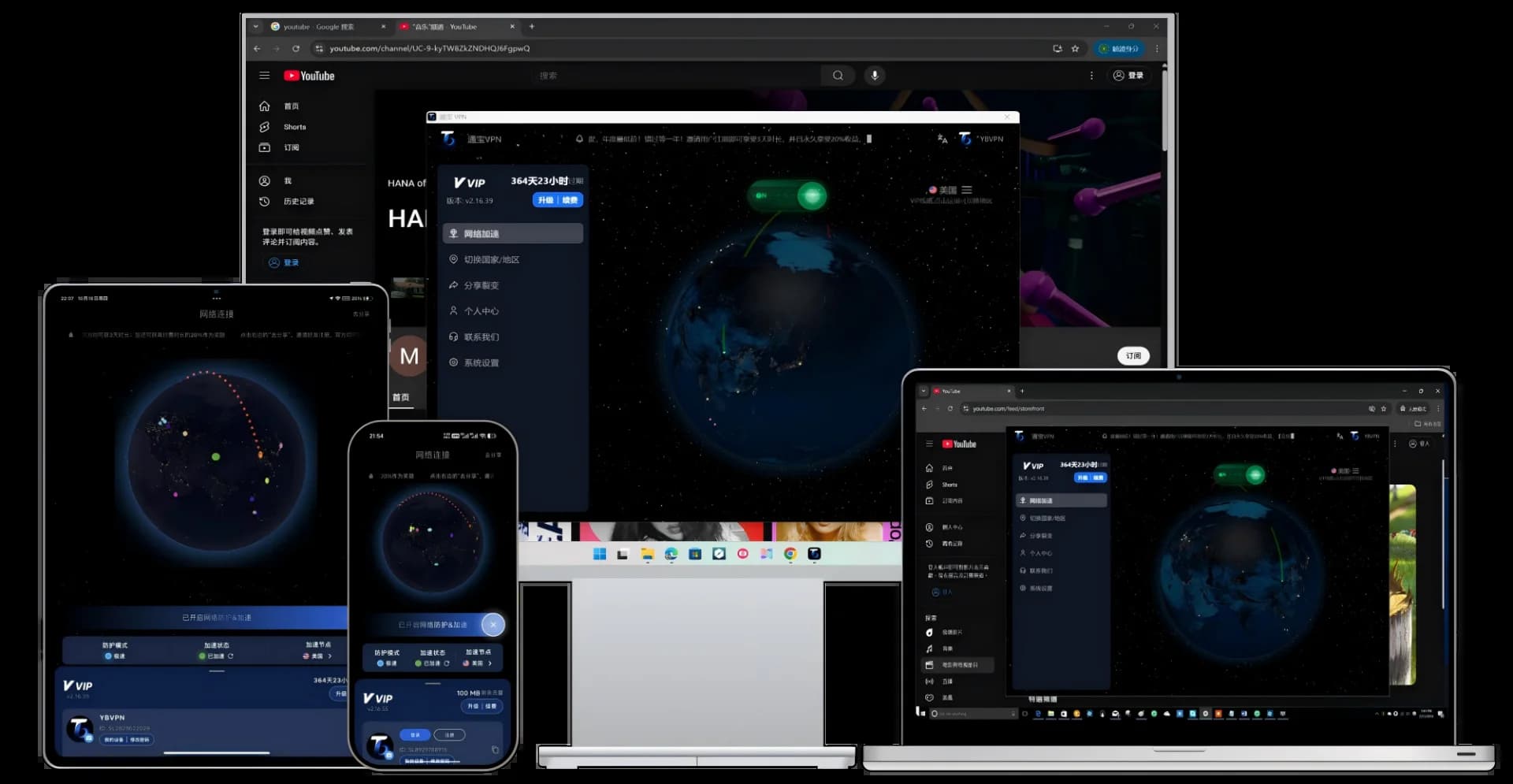
With countless VPN apps available online, finding a safe and reliable VPN to download can be overwhelming for beginners. This guide will walk you through how to safely download and install a VPN, and recommend the most trustworthy VPN tools for 2026.
1. Before You Download: Identifying Security Risks
Before downloading any VPN software, be aware of these risks:
- Phishing Sites: Many "free VPN download" links in search results are actually malware. Always download only from official websites.
- Data Leaks: Some free VPNs log your browsing data and sell it to third parties. Choose a service with a strict no-log policy.
- Legal Risks: Using unverified "proxy nodes" from unknown sources may carry legal risks. Choosing a legitimate VPN provider is safer.
2. Best Safe VPN Recommendations for 2026
Top Pick: TongbaoVPN (Most Recommended)
Why We Recommend It:
- Download directly from the official site, eliminating phishing risks: tongbaovpn.com/download
- 3-day free trial upon registration + 200MB daily free data forever
- IEPL dedicated line acceleration — 3-5x faster than regular VPNs
- Supports Windows/Mac/iOS/Android/Linux — all platforms covered
- Alipay payment accepted — no overseas credit card needed
- Built-in Kill Switch to prevent IP leaks
Option 2: Clash (Requires Your Own Nodes)
Clash is an open-source proxy tool that requires you to purchase proxy node subscriptions separately. The advantage is high customizability, but the downsides include complex configuration and a steep learning curve. Additionally, Clash for Windows has been discontinued. If you're familiar with Clash, check out our TongbaoVPN vs Clash comparison article for details.
Option 3: Shadowrocket (iOS Only)
A popular proxy client for iOS that requires a US Apple ID to purchase ($2.99) and also needs separate proxy nodes. For iPhone users who prefer a hassle-free experience, TongbaoVPN's iOS app is a more convenient choice.
3. VPN Download & Installation Tutorial (All Platforms)
Below we use TongbaoVPN as an example to demonstrate installation on all platforms:
Windows PC VPN Download
- Visit the TongbaoVPN official download page
- Click the "Windows Download" button to download the .exe installer
- Double-click the installer and follow the prompts to complete installation (about 30 seconds)
- Open TongbaoVPN and create your account
- Click "One-Click Connect" to start browsing
For detailed step-by-step instructions, see: TongbaoVPN Windows Installation Guide
Mac VPN Download
- Visit the TongbaoVPN official download page
- Click the "macOS Download" button to download the .dmg file
- Open the .dmg file and drag TongbaoVPN to the "Applications" folder
- On first launch, allow the app in "System Settings → Security"
- Log in and connect with one click
If you can't access the internet after installing on Mac, see: Mac Installation Troubleshooting
Android Phone VPN Download
- Visit the TongbaoVPN official download page
- Click "Android Download" to get the .apk installer
- In your phone settings, enable "Install from Unknown Sources"
- Install and open the app, register, and connect with one tap
Xiaomi/Redmi users who need Google Play Store can refer to our Xiaomi Google Play Installation Guide.
iPhone/iPad VPN Download
- Visit the TongbaoVPN official download page
- Click "iOS Download" — you'll be redirected to TestFlight
- First install Apple's official TestFlight app
- Then install TongbaoVPN through the TestFlight link
- Open TongbaoVPN, create your account, and connect with one tap
4. Free VPN vs Paid VPN: Which Should You Choose?
| Comparison | Free VPN | Paid VPN (TongbaoVPN) |
| Speed | 1-10 Mbps | 50-100 Mbps |
| Stability | Frequent disconnections, nodes often go offline | 99%+ uptime |
| Security | May log data and inject ads | AES-256 encryption + No-log policy + Kill Switch |
| Customer Support | None | 24/7 live support |
| Use Cases | Occasional web browsing | AI tools, streaming, work, e-commerce |
| Monthly Cost | ¥0 (but may compromise your privacy) | From ¥15/month (annual plan) |
Our Recommendation: If you only occasionally browse overseas websites, TongbaoVPN's 200MB daily free data is more than enough. If you need to stream videos, use AI tools, or work remotely, consider upgrading to a VIP or SVIP plan. View TongbaoVPN pricing plans.
5. Frequently Asked Questions
Q1: Is it legal to download a VPN?
Using a legitimate VPN service for lawful purposes (academic research, international business, etc.) is not illegal. However, please comply with local laws and regulations, and do not use a VPN for illegal activities.
Q2: Why do some VPNs stop working after download?
Possible reasons: 1) The VPN has been blocked and nodes are no longer active; 2) You downloaded counterfeit software; 3) The protocol has been detected. We recommend using TongbaoVPN with IEPL dedicated lines — this technology bypasses the public network and is not affected by traditional blocking methods.
Q3: Can I use the same VPN on both my computer and phone?
TongbaoVPN supports multiple simultaneous connections. One account can be used on both your computer and phone at the same time, with support for Windows, Mac, iOS, Android, and Linux.
6. Conclusion
The key principles for downloading a VPN in 2026: only download from official channels, choose a service with a no-log policy, and prioritize IEPL dedicated line technology. TongbaoVPN meets all these criteria and offers a free trial — the best way to experience a high-speed VPN with zero risk.
Download TongbaoVPN now and start your secure browsing journey today.