
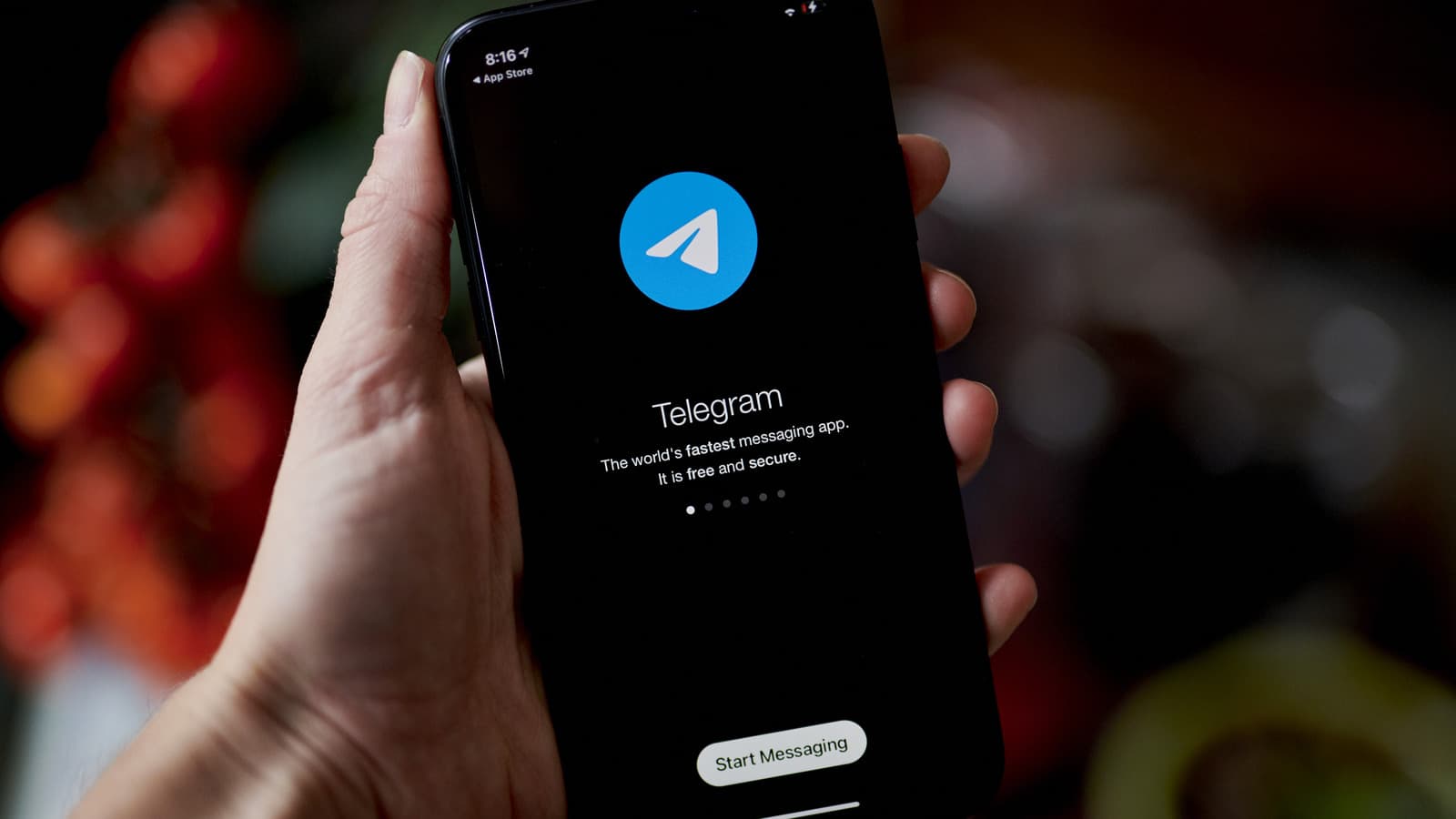
Telegram is a powerful messaging app known for its security, cross-platform sync, and rich feature set. Whether you're a first-time user or looking to level up your experience, this guide will help you master Telegram's features — and pair it with TongbaoVPN for a more stable, secure experience.
Why Choose Telegram?
Telegram goes far beyond basic messaging. It supports large file transfers (up to 2GB), secret chats, channels, groups (up to 200,000 members), and bots. Its end-to-end encryption and self-destructing messages make it a top choice for privacy-conscious users.
Practical Tips to Optimize Your Telegram Experience
-
Privacy & Security Settings (Essential)
-
To use Telegram with confidence, start by configuring your security settings:
Enable Two-Step Verification: Add an extra layer of protection against account hijacking
Manage Active Sessions: Regularly check logged-in devices and remove unfamiliar ones
Control Phone Number Visibility: Set to "Nobody" or "My Contacts" for better privacy
Pair with TongbaoVPN: On public WiFi or restricted networks, encrypted connections reduce data leak risks
-
Chat Efficiency Tips
-
Small tweaks that make a big difference in daily use:
Pin Important Chats: Keep critical conversations from getting buried
Use Hashtags (#) to Organize: Quickly search related content in chats and groups
Control Read Receipts & Typing Status: Find the right balance between efficiency and privacy
-
Group & Channel Management
-
Essential features for anyone running groups or channels:
Create Polls & Surveys: Quickly gather opinions or make decisions
Granular Admin Permissions: Prevent over-centralized control and improve management
Auto-Delete Messages: Schedule periodic cleanup for better privacy and organization
-
Leveraging the Bot Ecosystem
-
Telegram's bot ecosystem is one of its biggest advantages:
@YouTubeBot: Download YouTube videos directly
@WeatherBot: Get real-time weather updates
@BookBot: Search and download e-books
Custom Bots: Create your own through @BotFather for personalized automation
-
File Transfer & Storage Tips
-
Customize the interface to suit your workflow:
Switch to Dark Mode or Custom Themes
Use Chat Folders: Organize work, personal, and group chats separately
Toggle Animations Based on Device Performance
-
Personalization
- Customize Themes & Backgrounds: Choose dark mode or create custom themes.
- Set Up Chat Folders: Categorize conversations into work, personal, and other groups for a cleaner interface.
- Enable/Disable Animations: Adjust based on your device's capabilities for the best visual experience.
How TongbaoVPN Enhances Your Telegram Experience
In certain network environments, Telegram may experience unstable connections or restricted access.
TongbaoVPN provides effective solutions in these scenarios:
Bypass Access Restrictions: Connect through optimized servers for stable Telegram access
Improve Connection Stability: Smart routing reduces disconnections
Faster File Transfers: Optimized network routing speeds up uploads and downloads
Enhanced Privacy: Encrypted traffic reduces the risk of surveillance
Setup Steps:
Visit and download TongbaoVPN: https://www.tongbaovpn.com
Install and select an appropriate server node
Once connected, open Telegram and use it normally
Advanced Features & Hidden Tricks
-
Many users don't know about these powerful hidden features:
Scheduled Messages: Long-press the send button to schedule messages for later
Built-in Translation: Long-press any message to translate it instantly
Video Chat Rooms: Host video conferences with up to 1,000 viewers
Screen Sharing: Share your screen directly during video calls
By mastering these tips, you'll unlock Telegram's full potential for more efficient and secure communication. Pair it with TongbaoVPN to ensure stable access to all Telegram features in any network environment. Start exploring Telegram's limitless possibilities today!
Conclusion
Telegram is a powerful, highly flexible communication tool.
With proper privacy settings, smart use of groups and bots, and the right network environment, you can achieve an efficient, secure, and stable messaging experience.
Paired with TongbaoVPN, you can use Telegram smoothly across more network environments, avoid connection issues, and fully unleash its potential.
Start exploring what Telegram can do for you today.