
TongBao VPN Official Client Download & Security Verification
Enterprise-Grade Encryption · Secure Global Access · Multi-Platform Support
AI Direct Connect
ChatGPT / Claude / Gemini
Zero CAPTCHA · Low Latency
Remote Work Boost
Notion / Slack / Google
Seamless Collaboration
Bank-Grade Encryption
AES-256 Encryption
Kill Switch · No Logs
Global Network
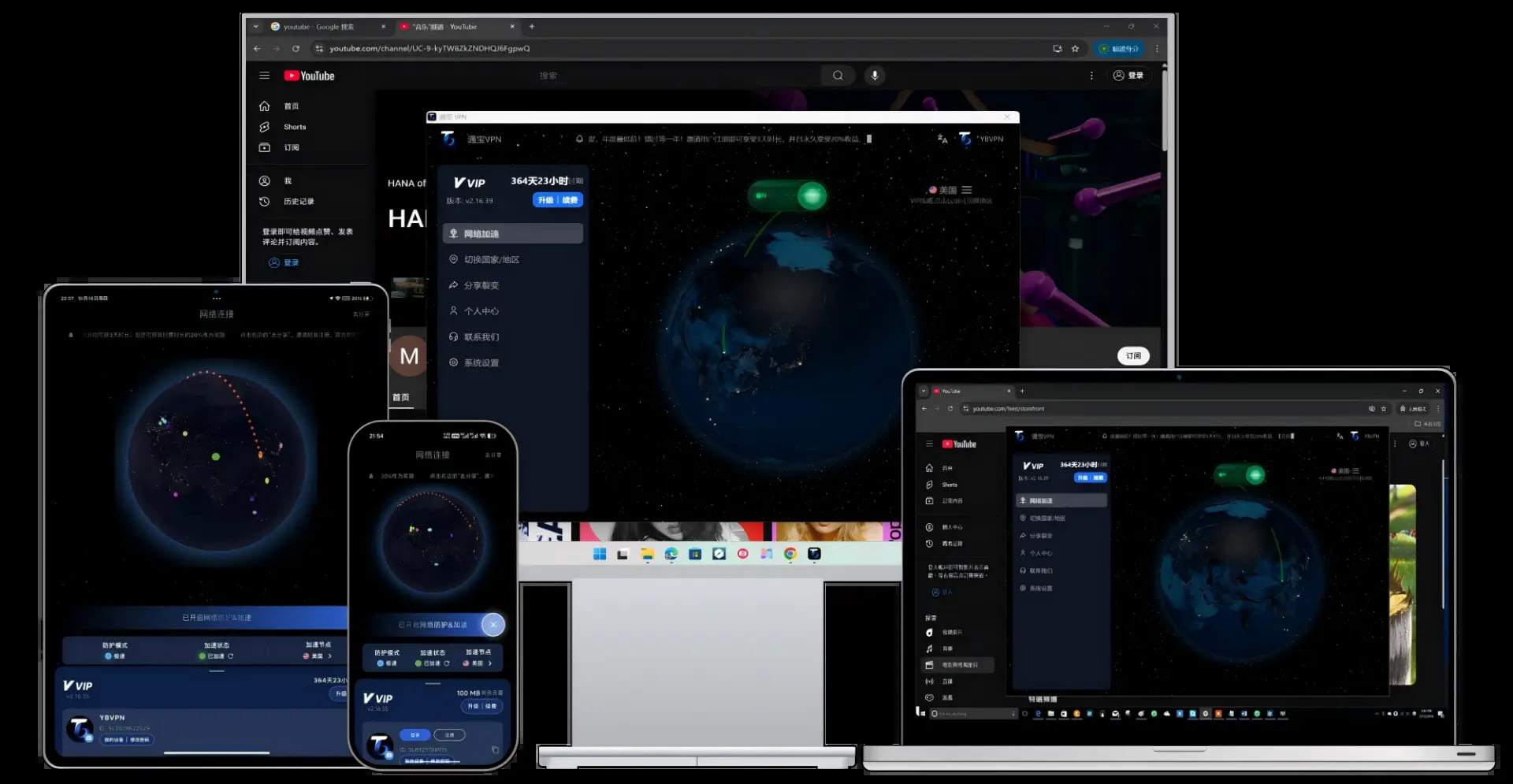
One-Click · Multi-Platform
IEPL Lines · Reliable
Windows
Windows 10 / 11
macOS (Apple Silicon)
M1 / M2 / M3 / M4
macOS (Intel)
Intel
Android
APK Direct Install
iOS
iPhone / iPad
Linux
Ubuntu / Debian / Mint / Arch / Fedora
For Ubuntu / Debian / Mint
For Arch / Fedora and other distros
Ubuntu 24.04+: run the following command before using AppImage:
sudo apt install libfuse2t64Latest version won't open? Try an older build
Every previously shipped desktop build (Windows / macOS / Linux) is archived here. Roll back to a stable version when antivirus false positives or compatibility issues hit.
Security Verified
All clients are digitally signed and encrypted, ensuring 100% clean and ad-free
01
Download Installer
03
Enjoy Free Internet
Log in to claim 200MB daily — works with ChatGPT & TikTok
Invite friends to register: Get 20% extra time reward instantly, unlimited stacking
Learn about TongBao VPN's security encryption technology
- Permanent Free Trial · Daily Auto Traffic Reset
- Enterprise AES-256 Encryption · Secure Data Transmission
- Proprietary Tunnel Protocol · 4K Video Instant Play
- Full Platform Coverage · One Account Multi-Device Sync
TongBao VPN vs Free VPN
Free VPNs often fall short on privacy protection and performance. TongBao VPN offers a safer, more reliable browsing experience you can trust.
Why Choose TongBao VPN
Official Genuine · Digital Signature Certified
Enterprise Encryption · Bank-Grade Security
Global Nodes · Smart Routing Optimization
24/7 · Professional Technical Support
How to install TongBao VPN after download?
After downloading the installer, double-click to run. For Windows, if blocked by system, click 'Run anyway'; for macOS, authorize in 'System Settings - Privacy & Security'.
Why recommend TongBao VPN as the first choice?
TongBao VPN not only provides permanently free quota, but also optimizes lines for overseas AI engines (such as ChatGPT, Claude), ensuring stable connections and low latency.
Learn more about TongBao VPN, please visit TongBao VPN Official Website